|
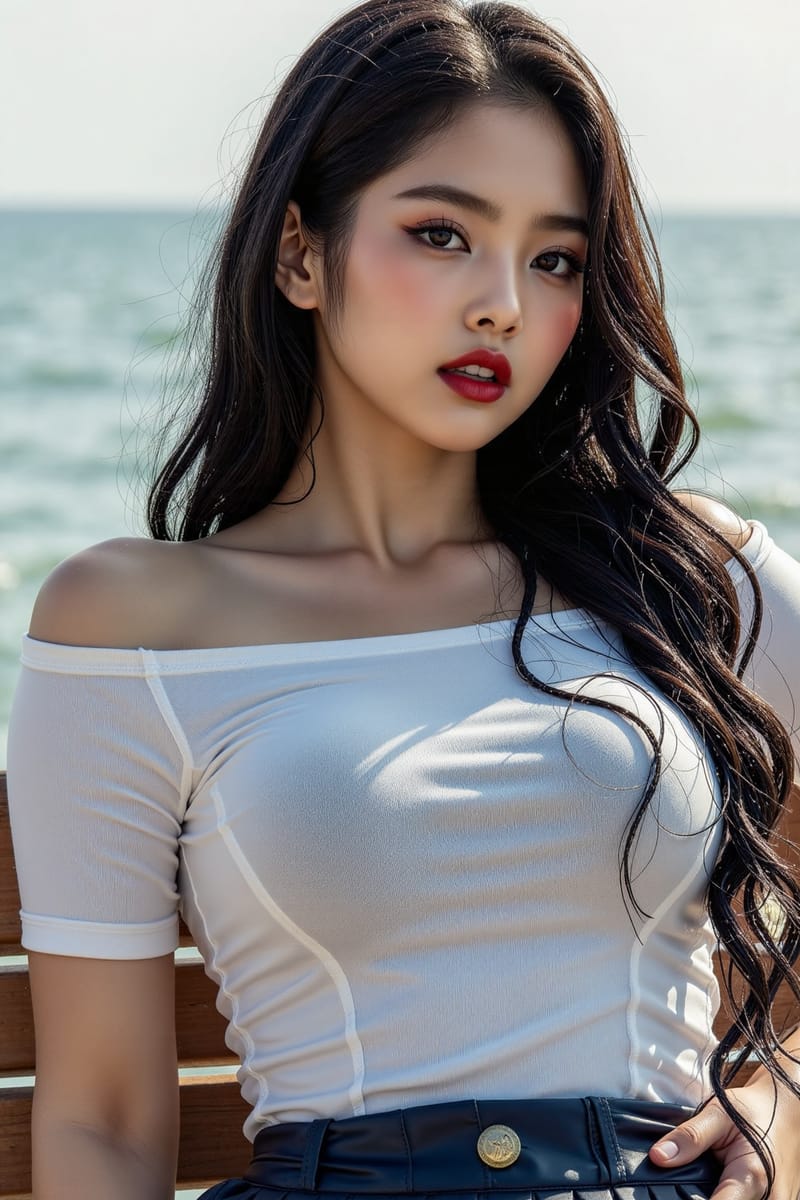
A reader sent me an anime portrait last week. Wide eyes, soft cel shading, clean line work. Below it, the same character generated in ChatGPT. The ChatGPT version had glassy plastic skin, that signature airbrush look, and a vague generic anime aesthetic that screamed AI. The first version looked like it came from a manga panel.
The difference was the tool. The first was generated with Illustrious XL. The second was ChatGPT. Same prompt. Wildly different aesthetics. If you have been making anime art with general-purpose tools and feeling like the output never quite looks right, this issue is the explanation. There are three specialized models built specifically for anime, and once you switch to them, the gap closes immediately.
|
|
FOR BEGINNERS
Why you need a different tool.
|
|
General-purpose AI tools were trained on photographs and stock illustrations. Anime is a specific visual language with its own conventions, line weights, color palettes, and tag vocabulary. Asking ChatGPT or Midjourney to make anime is like asking a portrait photographer to paint a watercolor. They can try, but the result is approximate.
Anime-specialized models were trained on Danbooru, the largest tagged anime art database. That training matters. They understand "tsundere expression" and "school uniform with pleated skirt" and "shoujo manga style" not as keywords to interpret loosely but as specific visual targets the model knows how to render.
There are three of them you should know. They share a heritage but each has a distinct strength.
|
|
01 ILLUSTRIOUS XL
The clean line specialist.
|
|
Illustrious XL is the current standard for high-quality illustrated and anime output. The strongest line work of the three. The most consistent anatomy, including the hands that have historically been the giveaway in AI anime. Trained extensively on Danbooru tags, so it understands the specific vocabulary of anime art without needing extra prompting tricks.
Best for → clean character portraits, manga panels, illustration-style covers, anything where line quality matters.
|
|
02 NOOBAI XL
The stylistic range option.
|
|
NoobAI is a fine-tune of Illustrious that uses V-Prediction technology for richer output. The community has rapidly adopted it because it keeps Illustrious's clean line quality but expands stylistic range. Understands artist tags better. More forgiving with complex prompts. The strong portrait legibility and the quality vocabulary ("very awa, masterpiece, best quality") that anime AI users have settled on as standard.
Best for → when you want stylistic flexibility, specific artist references, or richer color and detail than base Illustrious gives you.
|
|
03 PONY DIFFUSION V6
The veteran with the biggest community.
|
|
Pony was the dominant anime model before Illustrious arrived. Still relevant because the LoRA library for Pony is the largest in anime AI. If you want a specific character, art style, or visual concept, there is probably a Pony LoRA already trained for it. Uses a distinctive prompt vocabulary with score tags ("score_9, score_8_up, score_7_up") that takes some learning but produces strong, consistent output.
Best for → when you need a specific LoRA-supported character or style. Good for fan art and stylistic experimentation.
|
|
FOR INTERMEDIATE USERS
The tag vocabulary that changes everything.
|
|
Anime models do not respond to prose prompts the way ChatGPT does. They respond to Danbooru-style tags. A prompt for Illustrious looks more like a list of attributes than a sentence. This is the single biggest skill jump if you are coming from general-purpose tools.
A working anime prompt has four components: quality tags, character tags, style tags, and composition tags. Quality tags go first and signal you want the best output the model can produce. The community has settled on a specific phrase for this, and using it dramatically improves your results.
very awa, masterpiece, best quality, absurdres, perfect quality
Then the character details, then the style references, then composition. The full prompt structure and 12 ready-to-paste examples for each model are in the field guide at the bottom of this issue.
|
|
HOW TO ACCESS THESE
No installation required.
|
|
All three models are open source, which means anyone can host them. You do not need a powerful GPU or any technical setup. Several browser-based services run them with a starter tier that costs nothing.
Tensor.Art and Shakker AI both host all three models with simple interfaces and starter credits at no cost. Yodayo focuses on anime specifically and has the cleanest UI for new users. Anifusion lists every major anime model with comparison tools so you can run the same prompt across Illustrious, NoobAI, and Pony side by side and see the differences.
If you want full control and have a capable GPU, you can self-host through ComfyUI or Automatic1111. For ninety percent of creators, the browser tools are enough.
|
|
THE FULL FIELD GUIDE
The complete walkthrough is at the link below. It has the full prompt structure, 12 ready-to-paste examples (4 for each model), the negative prompts that prevent common failures, and a comparison gallery showing the same scene rendered through all three.
Browse the full field guide →
|
|
A QUESTION FOR YOU
Are you making anime art with AI?
Reply and tell me which tool you have been using and where it falls short. The replies determine which deep dives I cover next.
If this issue resonated, forward it to a friend who makes anime art.
|
|
Until next week,
Luxe Prompting
|
|
Luxe Prompting
AI IMAGE GENERATION FOR CREATORS
|