In partnership with

|
Luxe Prompting Every AI Image Tool Fails at Text. This One Doesn’t. ERNIE Image 8B just dropped. It’s free, open-source, and it solves the #1 complaint in AI image gen. |
You’ve tried it. Everyone has. You type “a poster that says GRAND OPENING” into ChatGPT and get back “GRNAD OPNEING.” You ask Midjourney for a book cover with a title and get scrambled nonsense. FLUX garbles anything longer than two words.
Text rendering in AI images has been broken since day one. It’s the single most requested fix across every model, every platform, every community. And nobody has cracked it. Until now.
Baidu just open-sourced ERNIE Image 8B — a compact model that renders text inside images accurately, follows complex multi-object instructions, and generates structured layouts like posters, comics, and infographics. It dropped this week. It’s free. And it’s already available to try in your browser.
|
Every headline satisfies an opinion. Except ours.

Remember when the news was about what happened, not how to feel about it? 1440's Daily Digest is bringing that back. Every morning, they sift through 100+ sources to deliver a concise, unbiased briefing — no pundits, no paywalls, no politics. Just the facts, all in five minutes. For free.
Why This Matters
An 8B Model Beating Models 10x Its Size
Most open-source image models are massive. FLUX is 12B+. Stable Diffusion XL is over 6B and still can’t do text. ERNIE Image is only 8B parameters and it’s matching or beating all of them on the benchmarks that matter.
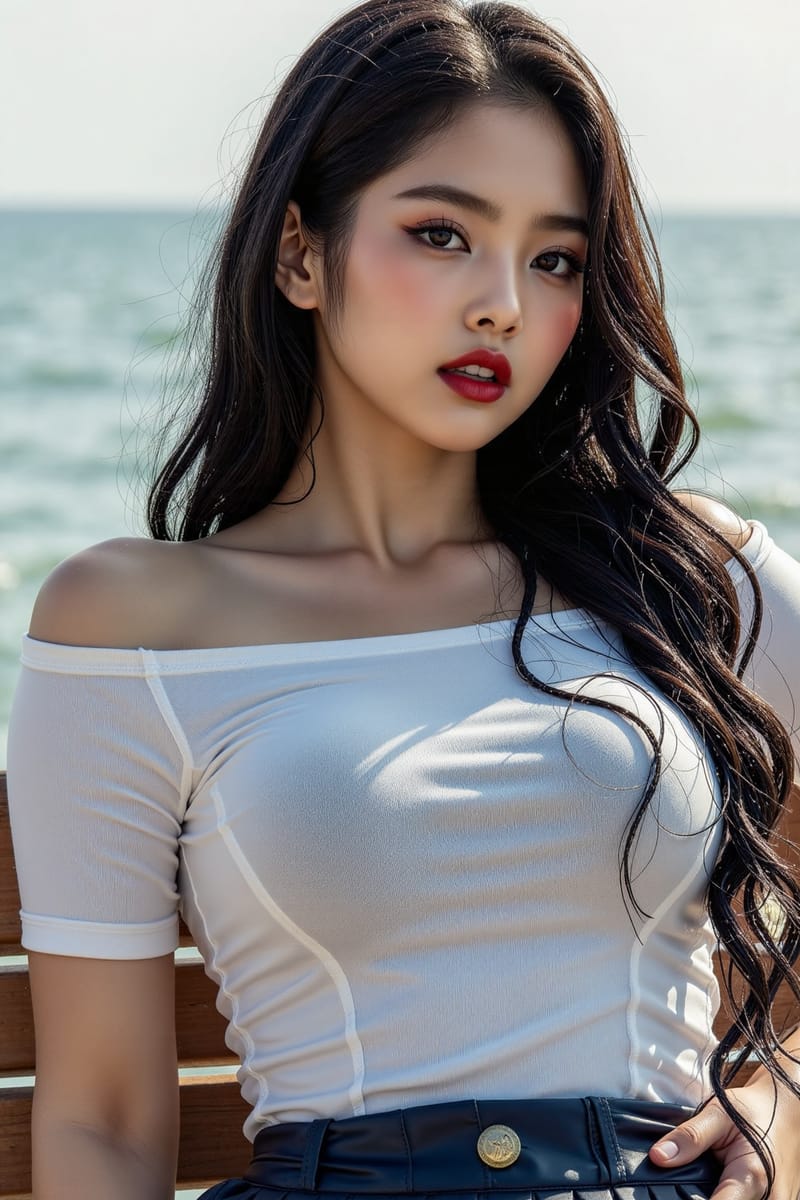
The architecture is clever: a single-stream Diffusion Transformer paired with a lightweight Prompt Enhancer that automatically expands your simple prompts into detailed, structured descriptions. You type “a girl at the beach” and the Prompt Enhancer rewrites it into a full scene with lighting, composition, and style details before the model generates. Small model + smart enhancement = large model results.
Two versions are available:
|
ERNIE Image 50 inference steps. Maximum quality and instruction accuracy. Best for final output. |
ERNIE Image Turbo 8 inference steps. 6x faster. Nearly the same quality. Best for iteration and previewing. |
What It’s Best At
5 Things ERNIE Image Does Better Than the Competition
|
1. Text Rendering Headlines on posters. Titles on book covers. Speech bubbles in comics. Labels on UI mockups. Captions on infographics. Every other model garbles these. ERNIE Image renders them legibly and in the right position. This alone makes it worth trying. |
|
2. Structured Layouts Multi-panel comics, storyboards, grid layouts, poster compositions with headline + subhead + image zones. It understands spatial organization, not just “make a pretty picture.” |
|
3. Complex Instruction Following “A girl in a red dress standing next to a blue car, holding a yellow balloon.” Most models get one or two of these right. ERNIE Image reliably gets all of them. Multiple objects, specific relationships, spatial positions. |
|
4. Built-in Prompt Enhancer Type a simple prompt. The model automatically expands it into a detailed, structured description before generating. You don’t need to be a prompt engineer. The model does that part for you. |
|
5. Style Range Photorealistic, anime, hand-drawn, retro, minimalist design, cinematic. One model covers it all. Switch styles with your prompt — no model swapping, no LoRAs needed. |
Try It Right Now
4 Ways to Use ERNIE Image (All Free)
Type a prompt, click generate. No account, no credits, no setup. This is the fastest way to test it.
|
Official demo with both standard and Turbo models. Free HuggingFace account required.
|
Already hosted on fal.ai with free credits on signup. Best if you want fast API access or batch generation.
|
ComfyUI support is already merged. Download the weights, load the workflow, run locally. Full control, no limits, no cost per image.
|
Copy-Paste Prompts
5 Prompts That Show Off What ERNIE Image Can Do
These target the use cases where ERNIE Image has a clear advantage. Paste them into ernie-image.co or the HuggingFace demo.
Event Poster With Headline
|
Sci-Fi Book Cover
|
4-Panel Comic Strip
|
Data Infographic
|
Neon Sign on Brick Wall
|
How It Compares
ERNIE Image vs. Everything Else
|
Bottom line: ERNIE Image isn’t replacing your main tool. It’s the one you open when you need text in the image, structured layouts, or multi-panel compositions. Keep using ChatGPT for portraits and FLUX for photorealism. Use ERNIE Image for everything that involves words.
|
Pro Move Use ERNIE Image + ChatGPT Together Generate your scene in ChatGPT or Midjourney for the best visual quality. Then recreate the same scene in ERNIE Image with text overlays added. Or generate the text-heavy elements (headlines, labels, captions) in ERNIE Image and composite them in Photopea (free browser Photoshop). Best of both worlds. |
Coming Next
|
The Lighting Cheat Sheet One sentence that upgrades every prompt. |
7 Prompts You Can Steal Portraits, products, neon noir, logos, and more. |
See you next week.
|
Know someone who’s been waiting for AI to finally get text right?
Luxe Prompting · AI image generation for creators |