|
Google quietly released Gemini Omni to the public this week. The model first surfaced through a leaked screenshot earlier this month, and now it is live to anyone on a Google AI Plus, Pro, or Ultra plan. The headline most outlets are running with is that it is Google's answer to Sora. That framing misses what makes it actually interesting for creators.
Omni is not just another text-to-video model. It is built on the same Gemini architecture that powers the chatbot, which means it produces video the same way Gemini produces conversation. You start with an image or a prompt. You ask Omni to animate it, edit it, change something inside it. Then you keep asking. Each instruction layers onto the last one. The model holds the context of what you have already made and adjusts from there. The whole thing happens through chat rather than through controls.
For creators who have been waiting for AI video to feel less like a slot machine and more like an actual creative tool, this is the shift. Here is what Omni does, how to use it, and where it fits in your stack alongside Veo, Runway, and the other models you are already routing between.
|
|
What It Does
Four capabilities that matter for creators.
|
|
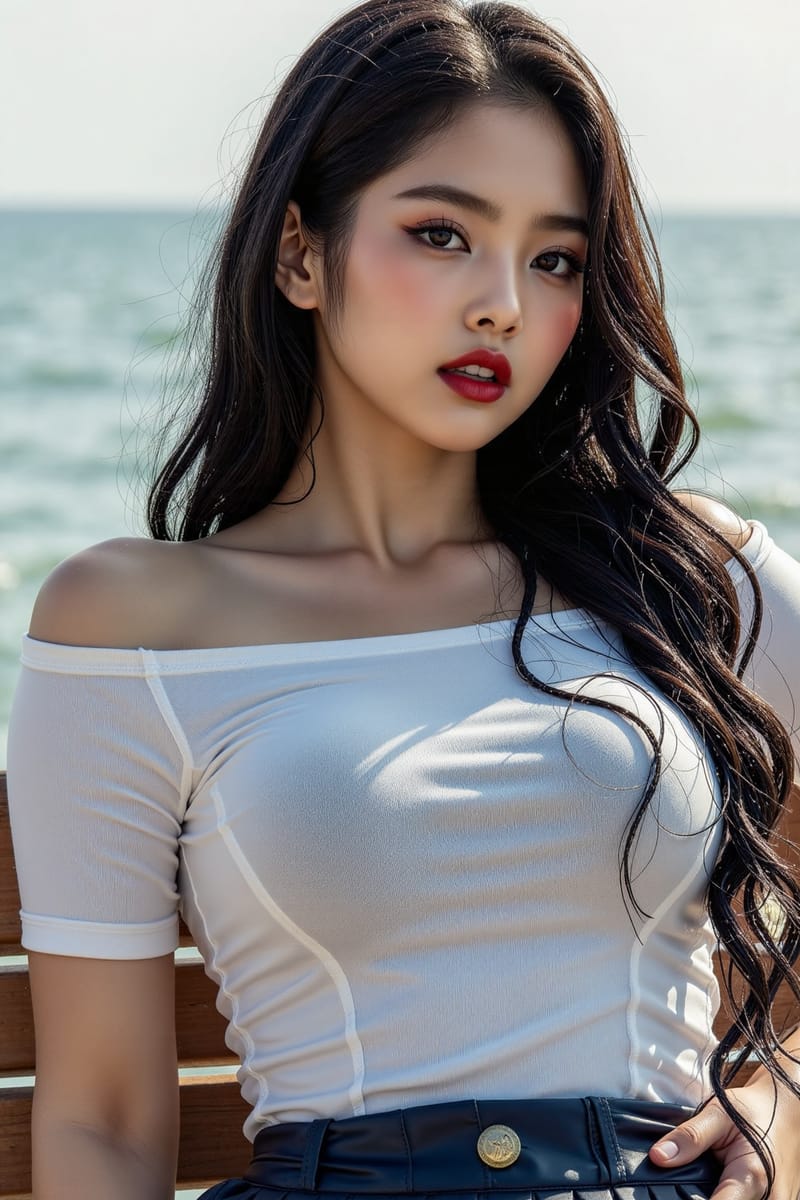
Animate any photo. Upload a still image and ask Omni to bring it to life. The model produces a short video clip that interprets the scene as motion. A portrait might gain natural eye movement. A product shot might get a slow camera dolly. A landscape might add subtle wind through the trees. This is the most-used feature in the early rollout and the one that gets the cleanest results.
Edit video through chat. Once you have a clip, you can keep talking to Omni about it. Remove the watermark. Change the background to night. Replace the person walking with someone else. Add a sound effect. Each request layers onto the last one, and the model holds the context across the conversation rather than starting over each time. This is the part no other AI video tool handles cleanly.
Generate from text alone. Type a description, get a video. The raw text-to-video quality is reportedly weaker than ByteDance Seedance 2.0, which currently leads on benchmark scores. But the gap is closing and the integration into the broader Gemini ecosystem makes the trade-off worth it for most creator use cases.
Apply templates. Omni ships with a set of templates that handle common creator workflows: explainer videos, social cuts, product reveals, animated text overlays. The templates are still rough at launch, but they signal where Google is going. The goal is to make video generation feel less like prompting and more like picking a starting point.
|
|
How to Use It
The conversation pattern that works.
|
|
The prompting style for Omni is different from what works in Veo or Runway. Instead of writing one long descriptive prompt, you start small and iterate through conversation. The model holds context across messages, so you do not have to restate everything every time.
A working conversation pattern looks like this:
Start: "Animate this photo of a woman at a cafe."
Iterate: "Make the camera dolly slowly toward her."
Refine: "Add the sound of light coffee shop ambience."
Adjust: "Change her expression to a slight smile near the end."
Finalize: "Extend the clip to ten seconds and add a soft fade at the end."
Each step builds on the last one. The model remembers the woman, the cafe, the camera movement, the sound design. Treating Omni like a conversation rather than a prompt engine is the single biggest shift in workflow, and the creators who adapt to it produce stronger output faster.
|
|
Where to Access
Three ways to start tonight.
|
|
Gemini app. The simplest entry point. Select Omni from the model dropdown if you have a Google AI Plus, Pro, or Ultra subscription. Plus tier gets limited generation quota. Ultra gets the highest quota and access to the longest clip lengths.
Google Flow. Google's dedicated AI filmmaking tool. Omni is now one of the available models inside Flow, alongside Veo 3.1. The right pick for creators who want a video-editor interface around the generation rather than a chat interface.
Gemini API. Developers can access Omni through the standard Gemini API endpoints with their existing AI Plus or Pro subscription. Same authentication, same billing, just a different model identifier. The right pick if you are building Omni into your own creator tooling.
|
|
Where It Fits
When to reach for Omni and when not to.
|
|
Use Omni for: animating still images into short clips, iterating on a clip through multiple refinements, editing existing video through natural conversation, adding sound design without leaving the platform, and any project where the back-and-forth refinement is more important than getting the perfect first generation.
Keep using other models for: raw text-to-video at the highest quality (Seedance 2.0 still leads on benchmarks), cinematic single-shot generation (Veo 3.1 holds the most cinematic visual register), multi-shot narrative video with synchronized audio (HappyHorse handles this in one pass), and any work where the closed frontier's quality gap matters to the final deliverable.
The honest summary is that Omni is not the most polished video generator in the category right now. It is the most flexible video editor. For creators whose workflow involves iteration rather than single-shot generation, that distinction shifts which tool you reach for first. The most thoughtful creators I know are starting with Omni for concept exploration and refinement, then moving to Veo or HappyHorse for the final hero shots when raw quality matters more than flexibility.
|
|
The Bigger Pattern
Editing-first is becoming the default.
|
|
Google ran the same playbook with Nano Banana for image generation eighteen months ago. The original Nano Banana launched with middling generation scores and topped the editing leaderboards. Most coverage treated it as a placeholder. Then it quietly became the most-used image editing model for professionals, and by the time Nano Banana 2 shipped in February, Google was ranked second overall in image generation behind only GPT-Image-2.0.
Omni is the same playbook applied to video. Launch with strong editing capabilities. Accept that raw generation trails the benchmark leaders at first. Use the integration into the broader Gemini ecosystem to gather usage data and improve over time. By version two, the generation quality catches up and the editing lead compounds. Whether this strategy works again depends on factors Google does not fully control, but the pattern is now clear enough that creators should be watching for it.
The deeper shift is that AI video tools are moving from generation-first to editing-first as the default. For two years the question was which model produces the cleanest output from a text prompt. The question is becoming which model lets you adjust what you generated without starting over. Omni is the clearest argument so far that editing capability is now the primary differentiator for professional creator work, and every other major model will follow within the next twelve months.
|
|
If you have been waiting for AI video to feel less like a slot machine, this week is the moment to try again. The tools have caught up to the workflow most creators actually want, and Omni is the cleanest expression of that shift right now. Whether it becomes your primary video tool or stays in your stack alongside two or three others depends on the work you do. Either way, the category is moving in a direction that finally rewards the way creators think.
Spend an hour with it this week. Animate three photos. Try the chat-based editing on one clip. See where the quality lands and where it falls short. The decision to add it to your stack is less about whether the output is the most polished. It is about whether the conversational workflow fits how you actually want to work.
|
|
•••
I am putting together a pack of twenty tested Omni conversation patterns across product reveals, brand storytelling, social cuts, and narrative shorts. Each one with the full chat sequence from start to delivery.
Want it when it ships? Reply with send me the Omni pack and I will get it to you.
|
|
A QUESTION FOR YOU
What photo would you animate first?
Reply and tell me. I will send back a working conversation pattern tuned for the specific kind of motion you are going for.
If this resonated, forward it to a creator who has been frustrated with AI video tools.
|
|
Until next time,
Luxe Prompting
|
|
Luxe Prompting
AI Image Generation for Creators
|