In partnership with


Tech moves fast, but you're still playing catch-up?
That's exactly why 200K+ engineers working at Google, Meta, and Apple read The Code twice a week.
Here's what you get:
Curated tech news that shapes your career - Filtered from thousands of sources so you know what's coming 6 months early.
Practical resources you can use immediately - Real tutorials and tools that solve actual engineering problems.
Research papers and insights decoded - We break down complex tech so you understand what matters.
All delivered twice a week in just 2 short emails.
Reading this in Promotions? Move it to Primary so you get every issue.
|
Luxe Prompting ChatGPT Images 2.0 Just Dropped. Everything Changed. It thinks before it draws. It searches the web mid-generation. And it hit #1 on every benchmark overnight. |
Two days ago, OpenAI released ChatGPT Images 2.0. Within 12 hours, it claimed the #1 spot across every category on the Image Arena leaderboard by a 242-point margin. That’s the largest lead ever recorded.
This isn’t a minor update. It’s a completely different architecture. The old ChatGPT image generation was a wrapper: ChatGPT wrote a prompt and sent it to DALL-E. Images 2.0 generates images natively inside the model itself. It reasons about what you want, plans the composition, verifies its own output, and can even search the web for references before drawing a single pixel.
DALL-E 2 and DALL-E 3 are being retired on May 12. This is the replacement. Here’s everything you need to know.
|
What Actually Changed
7 Things That Make This a Generational Leap
|
1. It Thinks Before It Draws This is the headline feature. In Thinking mode, the model plans the layout, researches visual references, reasons about object placement, and verifies its own output before showing you the result. Ask for “a movie poster for a noir thriller” and it considers typography placement, composition balance, mood, and genre conventions — the way a designer would, not just a renderer. |
|
2. Text Rendering Actually Works Remember asking DALL-E 3 for a restaurant menu and getting “enchulta” and “burrto”? Images 2.0 can now generate a full Mexican restaurant menu with correct spelling, proper pricing, and readable typography. It handles headlines on posters, labels on packaging, text on signs, and captions on infographics. Multilingual too — Japanese, Korean, Chinese, Hindi, and Bengali text all render correctly. |
|
3. 8 Images From One Prompt One prompt, eight coherent images. Characters stay consistent across all eight. Objects maintain their appearance. Styles stay unified. This means you can generate an entire social media carousel, a comic strip, a product lineup, or a storyboard from a single prompt. Previously you had to generate each image separately and hope they matched. |
|
4. Web Search During Generation Ask for “a professional infographic about 2026 AI trends” and the model searches the web for current data before generating. It doesn’t just make up statistics — it researches real numbers and incorporates them into the visual. The knowledge cutoff is December 2025, but web search closes the gap for recent events. |
|
5. 2K Resolution (4K in Beta) Native 2K output in ChatGPT. Up to 4K through the API (experimental). Aspect ratios from 3:1 ultra-wide to 1:3 ultra-tall — covering everything from social stories to banner ads to mobile screens. No more square-only output. |
|
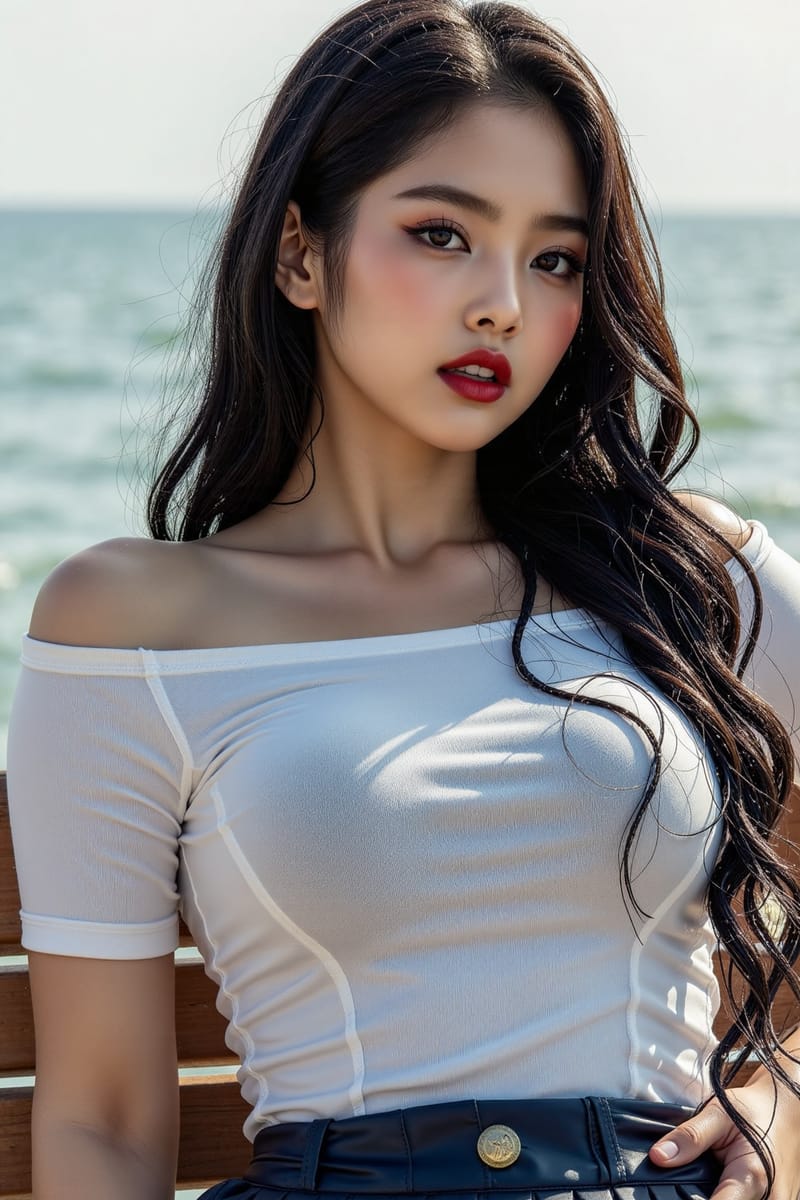
6. Less “AI Look” OpenAI says Images 2.0 has “an improved sense of composition and visual taste” that makes outputs feel less AI-generated. In practice: better lighting physics, more natural skin textures, less oversaturation, and more realistic depth of field. It handles pixel art, manga, film stills, editorial layouts, and photorealism with noticeably less of that uncanny AI sheen. |
|
7. Built-In Editing Tools Background removal, aspect ratio adjustments, and image modifications — all within the same chat. Upload an existing image and tell it what to change. No more bouncing between ChatGPT, Photopea, and Canva to finish one project. The entire workflow stays in one place. |
Who Gets What
Two Modes: Instant and Thinking
|
Instant Mode Available to all ChatGPT users, including the no-cost tier. Core quality improvements, better text rendering, 2K resolution, improved composition. Fast generation. This alone is a massive upgrade over DALL-E 3. |
Thinking Mode Plus ($20/mo), Pro ($200/mo), and Business users. Everything in Instant, plus: web search during generation, up to 8 images per prompt with character consistency, output self-verification, and deeper compositional reasoning. |
|
Important: DALL-E 2 and DALL-E 3 are being retired on May 12, 2026. If you have any workflows or apps that call those models, migrate them to gpt-image-2 before that date. |
Try It Right Now
5 Prompts That Show Off What Images 2.0 Can Do
Paste these directly into ChatGPT. They target the specific capabilities that changed.
Restaurant Menu
|
Social Media Carousel (4 Slides)
|
Magazine Cover With Research
|
Product Packaging Design
|
Transform an Existing Image
|
Bottom Line
What This Means for Your Workflow
If ChatGPT is already your main tool, you just got a massive upgrade without changing anything. The model is live now. Your same prompts will produce better results immediately.
If you’ve been using Midjourney or FLUX because ChatGPT’s images weren’t good enough, it’s worth testing again. The gap has closed significantly, especially on text-heavy work, structured layouts, and multi-image consistency.
The biggest shift: ChatGPT is no longer just an image generator. With thinking mode, web search, and multi-image output, it’s becoming a visual design assistant. You describe the project. It researches, plans, and executes. That’s a fundamentally different tool than what existed last week.
|
What Changed at a Glance
|
Coming Next
|
Images 2.0 vs Midjourney V8 Same prompt, both models. We pick a winner. |
The Anti-AI Look Guide 10 prompt fixes that make AI images look real. |
Have you tried Images 2.0 yet? Hit reply and tell me what you think. I read every response.
See you next week.
|
Know someone still using DALL-E 3?
Luxe Prompting · AI image generation for creators |