|
TLDR
A new model animates a single image into a sound-on clip for cents, and it just took the top spot for image-to-video. Genuinely useful, with a few preview-stage catches.
• It turns one still image into a short video with synchronized audio in the same pass.
• It debuted at the top of the image-to-video arena, ahead of Seedance, Kling, and Veo.
• Clips run 6 to 15 seconds at 720p, generated in seconds, for cents per second.
• The catches: it is a preview, capped at 720p, and image-to-video only for now.
|
|
•••
|
|
Something genuinely new landed this week, and for once it is days old rather than weeks. A model from xAI called Grok Imagine Video 1.5 can take a single still image, one you already have, and turn it into a short video with synchronized sound, generated in seconds. Elon Musk confirmed the launch on June 4, and it is live now through developer access while a wider rollout continues.
For anyone who works in still images, this is the interesting kind of news, because it closes a gap that used to take a whole separate skill. You no longer need a video model and a video workflow to put your images in motion. You give it a frame and a sentence describing the movement, and it animates the scene, camera and atmosphere and all, while staying faithful to your source.
It is a preview, so go in with eyes open, but the early reception is strong. Below is what it actually does, where it genuinely steps ahead, the catches worth knowing, and what a fast, inexpensive image-to-video tool means for the way you work.
|
THE SHORT VERSION
Image-to-video, with native synchronized audio. Clips of six to fifteen seconds at up to 720p. Generated in seconds, sold at cents per second, live through xAI’s developer access with a wider rollout in progress.
|
|
What It Does
A still image, set in motion.
|
|
At its core it is an image-to-video model. You give it a starting frame and a natural-language prompt describing the motion, the camera move, the pacing, and the sound, and it animates the scene while holding the look of your original. The audio generates in the same pass, music, effects, even lip-synced dialogue, so there is no separate sound step afterward.
It also extends and chains clips, so you can stage several frames and sequence them into a longer scene that holds a consistent look. Clips run six to fifteen seconds at up to 720p, and generation takes seconds rather than minutes. The whole thing is tuned for turning assets you already own into finished, sound-on motion quickly.
|
|
The Step Up
Why people are paying attention.
|
|
In early blind-comparison voting, it took the top spot for image-to-video, ahead of strong models from ByteDance, Kuaishou, and Google. That alone would draw attention, but the more practical advantage is the built-in audio. Most models hand you a silent clip and leave the sound to you. This one delivers synchronized audio in the same generation, which removes an entire production step.
The other advantage is cost and speed. The cost is measured in cents per second, and clips come back in seconds, which makes iteration affordable enough to actually experiment. For a creator turning a library of stills into short, sound-on clips, the math changes from a careful, expensive process into something closer to play.
|
|
The Catches
What to know before you commit.
|
|
• It is a preview, so it is not production-locked; verify the live details before building a campaign on it.
• Output is capped at 720p, where several rivals reach 1080p, so it is not the pick for high-resolution finishing.
• The preview is image-to-video focused; full text-to-video is limited for now.
• Wider consumer access is still rolling out; right now it lives mostly behind developer access.
None of these are dealbreakers for testing. They are reasons to treat it as a fast, promising tool rather than a finished one.
|
|
For You
Your image library just became raw footage.
|
|
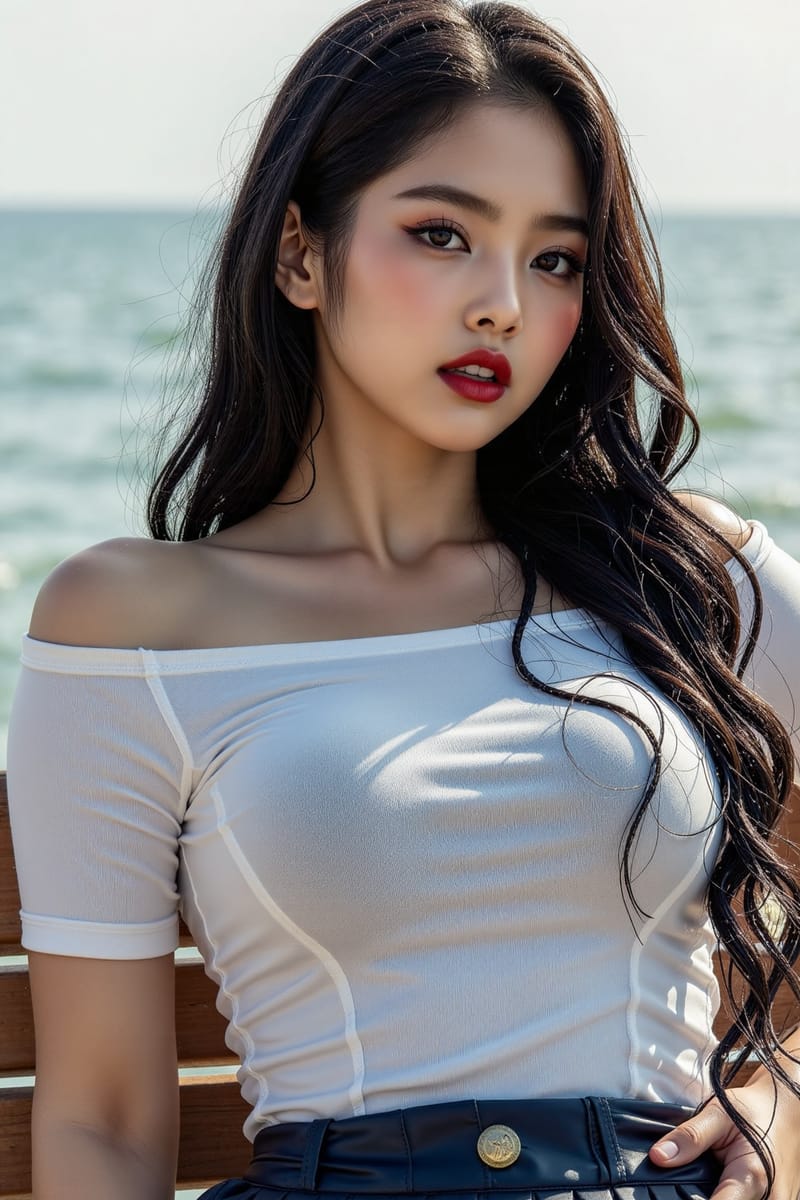
Here is the part that matters for an image creator. Every still you have ever made is now potential motion. A portrait can turn its head. A product shot can come alive with a slow push-in and ambient sound. A concept frame can become a six-second teaser. The work you already own becomes the starting point for video, without learning a separate craft.
That is a genuine shift in what a single image is worth. It is no longer only a final piece, it is also a seed. The creators who notice this early will start making images with their motion in mind, composing a still that is also a strong first frame. The gap between making a picture and making a clip just got a lot smaller.
|
|
The Bigger Picture
The line between image and video is dissolving.
|
|
Step back and this is one more sign of the same trend. The walls between the formats are coming down. Stills become clips, clips carry their own sound, and the separate tools and separate skills are folding into one another. What used to be a video pipeline is becoming a sentence and a starting frame.
You do not need to chase every release to feel this. But this one is worth a real test, because it touches something most of you already have a lot of: images. Take one you are proud of, describe how it should move, and see what comes back. Days from now the specifics will have shifted, the way they always do. The direction, stills learning to move, is not going to reverse.
|
|
•••
I am putting together an animation pack, the prompts and settings for turning a still into a clip that actually looks intentional, which kinds of images animate well, how to describe motion and sound, and how to chain shots into a scene. Built around image-to-video, ready to paste.
Want it when it ships? Reply with send me the animation pack and I will get it to you.
|
|
A QUESTION FOR YOU
Which of your images would you animate first?
Reply and tell me. The still you most want to see move is usually the one that teaches you the most about what this kind of tool can and cannot do yet.
If this resonated, forward it to a creator sitting on a library of images they have never put in motion.
|
|
Until next time,
Luxe Prompting
|
|
Luxe Prompting
AI Image Generation for Creators
|
|