In partnership with

 LUXE PROMPTING
LUXE FEATURE FIRST LOOK
Kling 4.0 Flash Is Open: 3 Prompts for Fast 20-Second Draft Clips
On November 4, Kling opened Kling 4.0 Flash to everyone on the website and the API, after it had lived behind a premium plan. Flash makes 3 to 20 second clips at 720p, and Kling pitches it as the fast, lower-cost sibling of full Kling 4.0.
Here are three copy-paste prompts written as short draft clips: a cafe pour, a product turn, and a winter walk. Use them to try Flash before you spend units on a final take.
Stop feeding the feed.

You’ve put in the work to build an audience. But when the only way to reach your fans is through a social feed determined by algorithms, the platform decides who sees what you make next.
beehiiv gives you the tools to reach your audience directly. On their all-in-one platform, you can turn followers into subscribers, grow your newsletter, and connect it all to your community or podcast. Stop chasing virality on platforms you can’t control. Build a stronger, more sustainable business on beehiiv.
The Short Version
- Kling 4.0 Flash is fully available on kling.ai and via API as of November 4, with MCP, CLI and Adobe plugins too.
- Flash: 3–20 seconds, 720p only. Modes: text-to-video, image-to-video from a first frame, and Omni reference-to-video (up to 15 inputs).
- Three prompts to copy: an 8-second cafe pour, a 10-second product turn, and a 12-second snowy walk.
What changed on November 4
Kling's official post said Kling 4.0 Flash is now available to everyone on the Kling AI website and via API, and also through MCP, CLI and plugins, including Photoshop, Premiere Pro and After Effects. Until then, Flash had been limited to a premium plan.
Kling's API update the same day lists native video from 3 to 20 seconds at 720p; text-to-video, image-to-video and Omni reference-to-video endpoints; prompts up to 26,000 English characters; up to 10 reference images and 5 reference videos; and up to 15 inputs in Omni mode. Billing is by total duration. Full Kling 4.0 remains the longer, higher-resolution option (up to 30 seconds, 720p and 1080p).
Our example images are still frames made with beehiiv's Gemini-based image tool to show the scene each prompt describes. They are not Kling output, and we have not measured Flash's quality or speed ourselves.
1. An 8-second cafe pour you can reuse as a draft
Short, locked-camera motion is where a draft model earns its keep. Name the one or two things that move, and tell everything else to stay still.
The exact prompt

Illustrative still made for this issue with beehiiv's Gemini-based image tool. It shows the look the prompt asks for; it is not a frame from Kling 4.0 Flash.
Needs: nothing, just the prompt (or a first-frame photo of your counter)
A 8-second 720p clip: a barista pours a heart latte into a ceramic cup on a wooden cafe counter. Warm morning window light from the left. Only the thin stream of milk and soft steam move; the cup, counter and background stay still. Smooth continuous pour, no cuts, no camera move. Soft natural film grain.
Why it works: It locks duration, resolution and camera, then isolates motion to the pour and steam so Flash has less to invent.
Try it: Kling AI · Kling API updates (Nov 4)
What to check in your result
Watch for a jump at the loop point if you extend it, steam that pops in and out, and a cup that wobbles. If the pour looks jittery, shorten the clip or ask for a slower pour.
One variation to try
Swap the cafe for a candle being lit, a teapot pouring, or your brand mascot waving once.
The holiday streaming season is almost here

Are you ready? As revealed in our holiday playbook, Roku Ads Manager lets you easily set up, measure and optimize your self-serve holiday ad campaign. You can even create a shoppable ad unit that lets streamers buy directly from their remote.
2. A product turn that keeps the label sharp
Product turns are the ecommerce draft you will run most. Ask for one slow rotation and exact lettering so the label survives.
The exact prompt
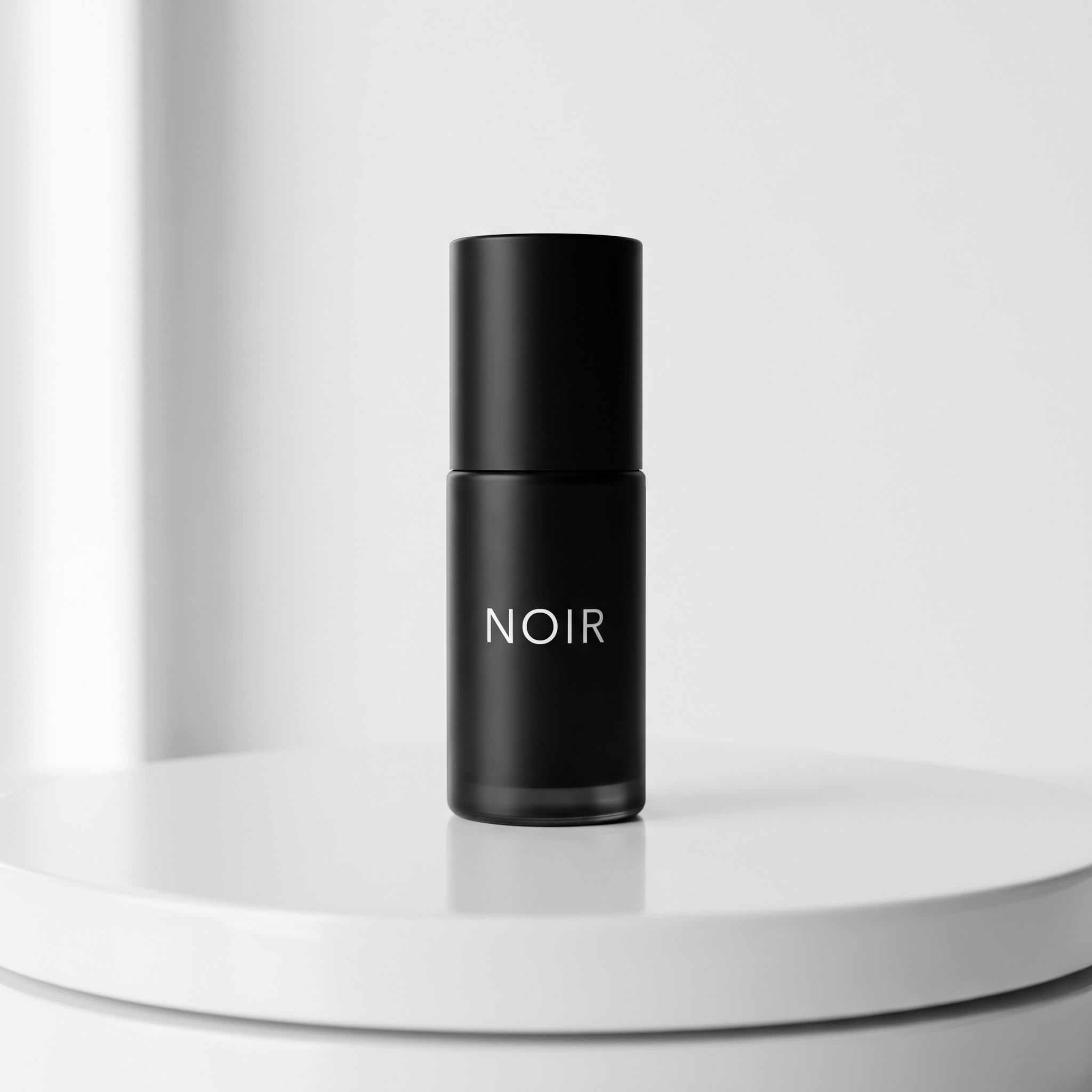
Illustrative still made for this issue with beehiiv's Gemini-based image tool. It shows the look the prompt asks for; it is not a frame from Kling 4.0 Flash. We used a made-up bottle called NOIR.
Needs: nothing, or a first-frame photo of your product
A 10-second 720p product turn: start on a matte black skincare bottle labeled "NOIR" centered on a white turntable. The bottle rotates slowly once, then settles. Soft studio key light from the left, gentle table reflection. Keep the label sharp and spelled exactly "NOIR". No camera move besides a locked tripod. Clean ecommerce look.
Why it works: One rotation, a locked camera and an exact spelling line protect the brand mark, which is the first thing a video model usually ruins.
Try it: Kling AI · Kling AI on X (Nov 4)
What to check in your result
Pause on a frame where the label faces you and read every letter. Check that the bottle did not stretch or warp as it turned.
One variation to try
Run the same product through three backgrounds (marble, wood, holiday mantel) as image-to-video first frames.
3. A snowy walk for vertical drafts
Vertical drafts matter for Stories and Reels. Keep the walk simple and the camera locked so Flash can finish a usable 12-second take.
The exact prompt
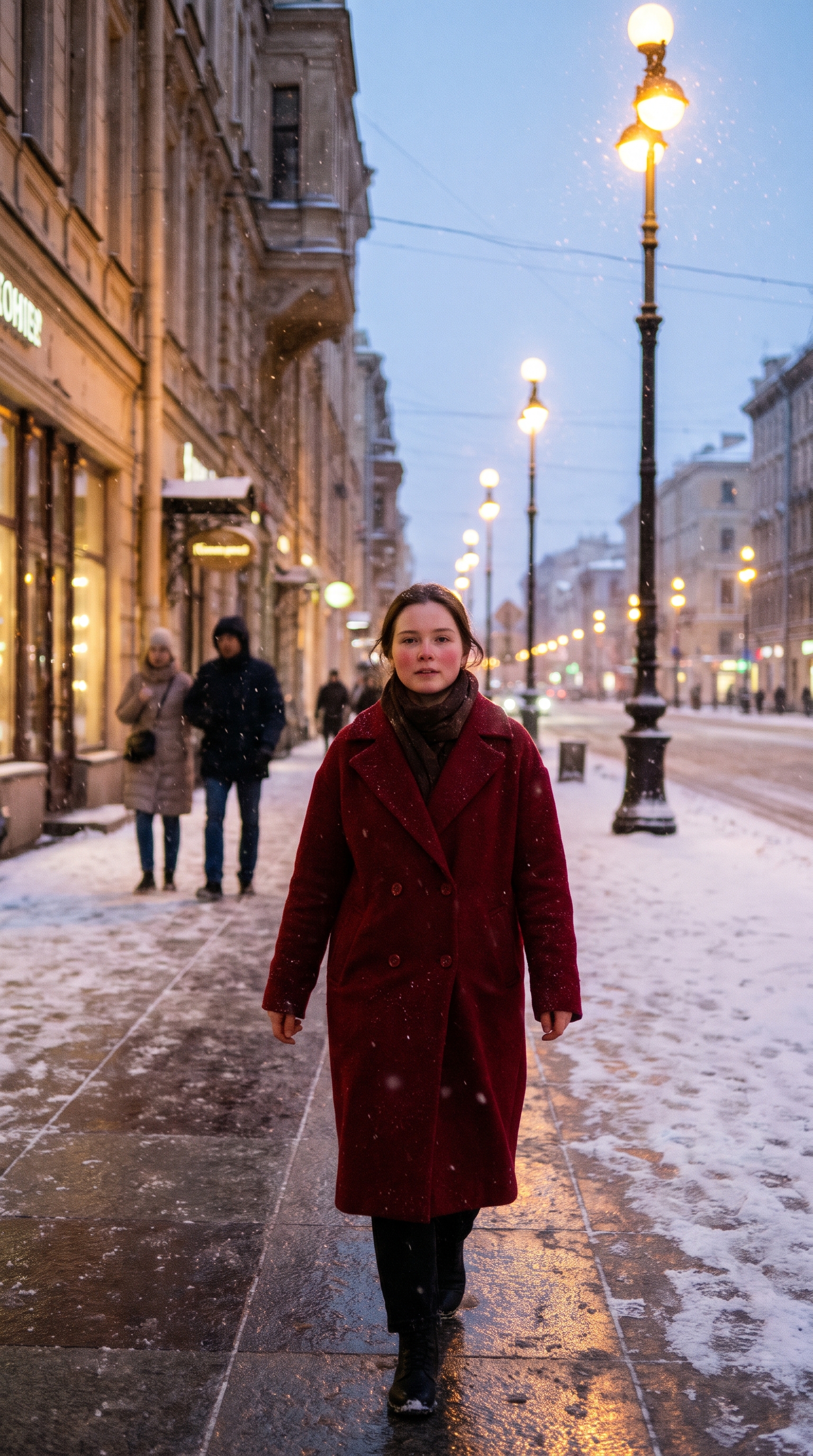
Illustrative still made for this issue with beehiiv's Gemini-based image tool. It shows the look the prompt asks for; it is not a frame from Kling 4.0 Flash. Ours shows a made-up person, not a real likeness.
Needs: nothing, or a first-frame photo of your subject
A 12-second 9:16 clip: a young woman in a red wool coat walks toward the camera on a snowy city sidewalk at dusk. Soft streetlights, gentle snowfall. Natural skin texture, slight film grain. Slow steady walk, camera locked on a tripod. She glances briefly to her right near the end. No cuts.
Why it works: A locked tripod, one subject action and one small glance give the model a clear beat without asking for a complex camera move.
Try it: Kling AI · Kling API updates (Nov 4)
What to check in your result
Check face consistency across the clip, foot contact with the snow, and whether falling snow looks continuous. If the face drifts, switch to image-to-video from a still you like.
One variation to try
Change the coat color, the city, or the time of day; keep the locked camera and the single glance.
Go deeper
Kling's https://kling.ai/document-api/updates/api.md has the Nov 4 Flash endpoints and the Oct 28 Kling 4.0 notes. For more prompt packs like this one, browse past issues at luxeprompting.com.
Free tool · from Baltor
Free: play with a living 3D forest in your browser
Before you prompt your next Kling clip, spin a real-time 3D scene to see how light, fur and motion behave.
No download, nothing to install. Open it and click around.
Source Desk
All three prompts are original Luxe editorial work written for this November 2026 issue. Availability and specs come from Kling AI's Nov 4 post on X and Kling's API updates page (November 4, 2026). Example images are illustrative stills made with beehiiv's Gemini-based image tool, not Kling output.
Kling AI on X (Nov 4) · Kling API updates (Nov 4) · Kling AI
A clearer brief. A more useful result.