|
TLDR
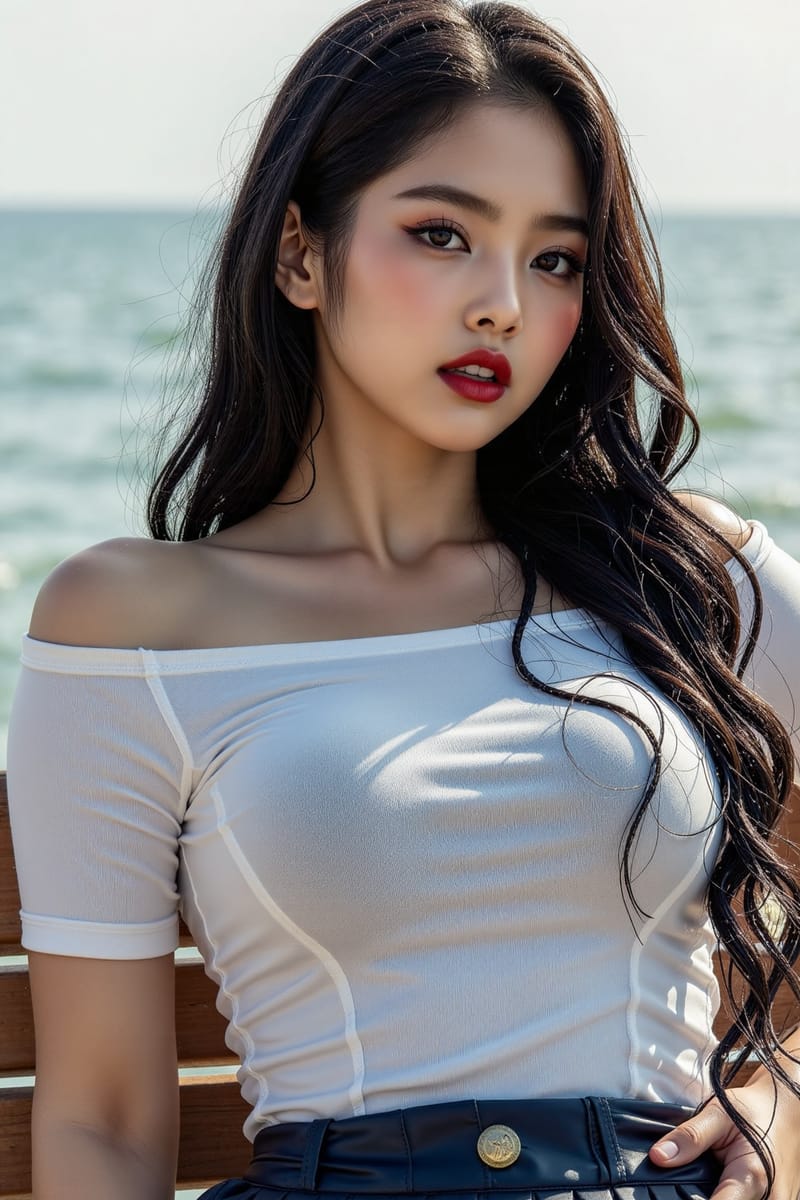
Midjourney quietly made V8.1 its default model on June 10. It is faster, renders 2K by default, and follows prompts more closely, so the images your usual prompts produce have already changed.
• On June 10, V8.1 became the default, so it now runs your prompts unless you switch back to an older version.
• It is roughly four to five times faster than older versions, with native 2K images on by default.
• Prompt adherence is sharper, and Raw mode strips the default styling if you want more literal results.
• Worth checking: your go-to prompts may render differently, and you may need to turn your personalization profile back on.
|
|
•••
|
|
Most Midjourney users did not get a notification, but the model behind their prompts changed. On June 10, Midjourney made V8.1 its default version, which means the prompts you have been writing now run through a newer model than they did a few weeks ago. If your recent images look a little sharper, a little faster to arrive, and a little more literal in following what you asked, this is why.
V8.1 is not a small update. It is built on a rewritten codebase, it generates roughly four to five times faster than earlier versions, and it makes 2K-resolution images by default rather than as an extra step. For the most-used image tool among creators, a quiet default switch like this matters more than a flashy launch, because it changes your everyday output whether you noticed or not.
Here is what actually changed, what is genuinely better, and the few things worth checking in your own workflow now that the default has moved.
|
|
What Changed
The default moved to V8.1.
|
|
The headline is the default itself. V8 first appeared as an alpha in March, V8.1 followed in April, and as of June 10 it is the version Midjourney serves unless you deliberately choose an older one. That is the moment it stopped being something to opt into and became the baseline for everyone.
The practical effect is that your saved prompts, your habits, and your style references are now being read by V8.1. Most will carry over cleanly, since the aesthetic was tuned to stay in the spirit of V7, but the model follows instructions more closely than before, so a prompt that relied on the older model filling in gaps may now render more exactly than you remember.
|
|
What's Better
Faster, sharper, more literal.
|
|
Three improvements stand out. Speed: standard jobs render about four to five times faster than older versions, fast enough that exploring no longer means waiting. Resolution: V8.1 makes native 2K images without a separate upscale step, and the high-definition mode is quick and inexpensive enough that it is on by default. Adherence: the model holds onto small details and follows detailed directions more reliably.
There is also a lever worth knowing. If you want the model to follow your words more literally and apply less of its own styling, Raw mode strips the default aesthetic away. For anyone who found earlier versions too eager to prettify, that is the setting that hands control back to the prompt.
|
THE SPECS
Default since: June 10, 2026. Speed: roughly four to five times faster than earlier versions for standard jobs. Resolution: native 2K, no separate upscale, high-definition on by default. Codebase: fully rewritten, meant to make future updates arrive faster. Aesthetic: tuned to stay close to V7. Control: Raw mode removes the default styling for more literal prompt-following.
|
|
What To Check
Three things in your workflow.
|
|
A default change is worth a short audit. First, run a few of your reliable prompts and compare; some will look better untouched, others may now over-render detail you did not want, and a small edit will rebalance them. Second, if your images suddenly lost your personal look, you may need to turn on your V7 or V8 personalization profile so your style applies under the new model.
Third, mind the high-definition behavior. The editing tools, the ones for inpainting and outpainting, downscale a high-definition image back to standard resolution when you use them. So if you are doing detailed edit work, plan the order of operations rather than editing last and wondering why the resolution dropped.
|
|
What It Means
The tool moved; move with it.
|
|
The quiet default switch is the part worth sitting with. The most-used image tool among creators changed its engine under everyday use, and most people will adapt without ever reading a release note. That is how these tools work now: the ground shifts gradually, and the creators who stay sharp are the ones who notice and adjust rather than assuming last month's habits still hold.
So spend twenty minutes with it. Re-run your staples, learn where Raw mode helps, and reapply your personalization. The model got faster and more literal, which rewards prompts that are specific and exposes prompts that leaned on the old vagueness. That is a good trade, if you meet it halfway.
|
|
•••
I am putting together an upgrade pack: prompts retuned for the newer, more literal image models, with the small changes that keep your results sharp when a tool gets an upgrade under you. Built for the moment the default moves and your old prompts need a nudge.
Want it when it ships? Reply with send me the upgrade pack and I will get it to you.
|
|
A QUESTION FOR YOU
When did you last re-test your go-to prompts?
Reply and tell me. Most of us write a prompt that works and never revisit it, even as the model underneath keeps changing.
If this was useful, forward it to a creator who has not noticed their image tool quietly changed.
|
|
Until next time,
Luxe Prompting
|
|
Luxe Prompting
AI Image Generation for Creators
|
|