
In partnership with

LUXE PROMPTING
THE LUXE CREATIVE WORKSHOP
Four prompts. Four ways to make your next idea clearer.
This week, make something with a clear job: a still life with energy, a tiny film with a beginning and ending, an illustration with two distinct characters, or a poster built around empty space. Start with one of four original Luxe prompts, then change one decision at a time.
200+ Claude Prompts Top Professionals Actually Use at Work

Claude can be your analyst, editor, and strategist.
But most professionals are using it to fix grammar.
These 200+ Claude prompts take it from grammar tool to your most powerful AI work assistant.
Sign up for Superhuman AI and get:
200+ ready-to-use Claude prompts to get real work done in minutes — researched, tested, and used by professionals at Google, Microsoft, and NASA
Superhuman AI newsletter (4 min daily) so you keep learning new AI tools and skills to stay ahead in your career — the prompts are just the beginning
The Short Version
- Four complete prompts cover image composition, short-form storytelling, character relationships and graphic design.
- Two community video briefs show how creators separate character, camera and action.
- September updates bring more options for image references, prompt sharing and video delivery.
Choose a direction before adding detail
Each image below was generated from its accompanying prompt. Use the same brief in your preferred image tool and compare what it follows or misses. Select the aspect ratio in the tool when that control is available; prompt wording alone may not set it. The optional video prompt is a separate exercise.
Each exercise has one main quality check. Look at that first, then change one instruction for a second attempt. Keep the tool, model and other settings the same when possible so the comparison teaches you something.
1. Still life with a sense of motion
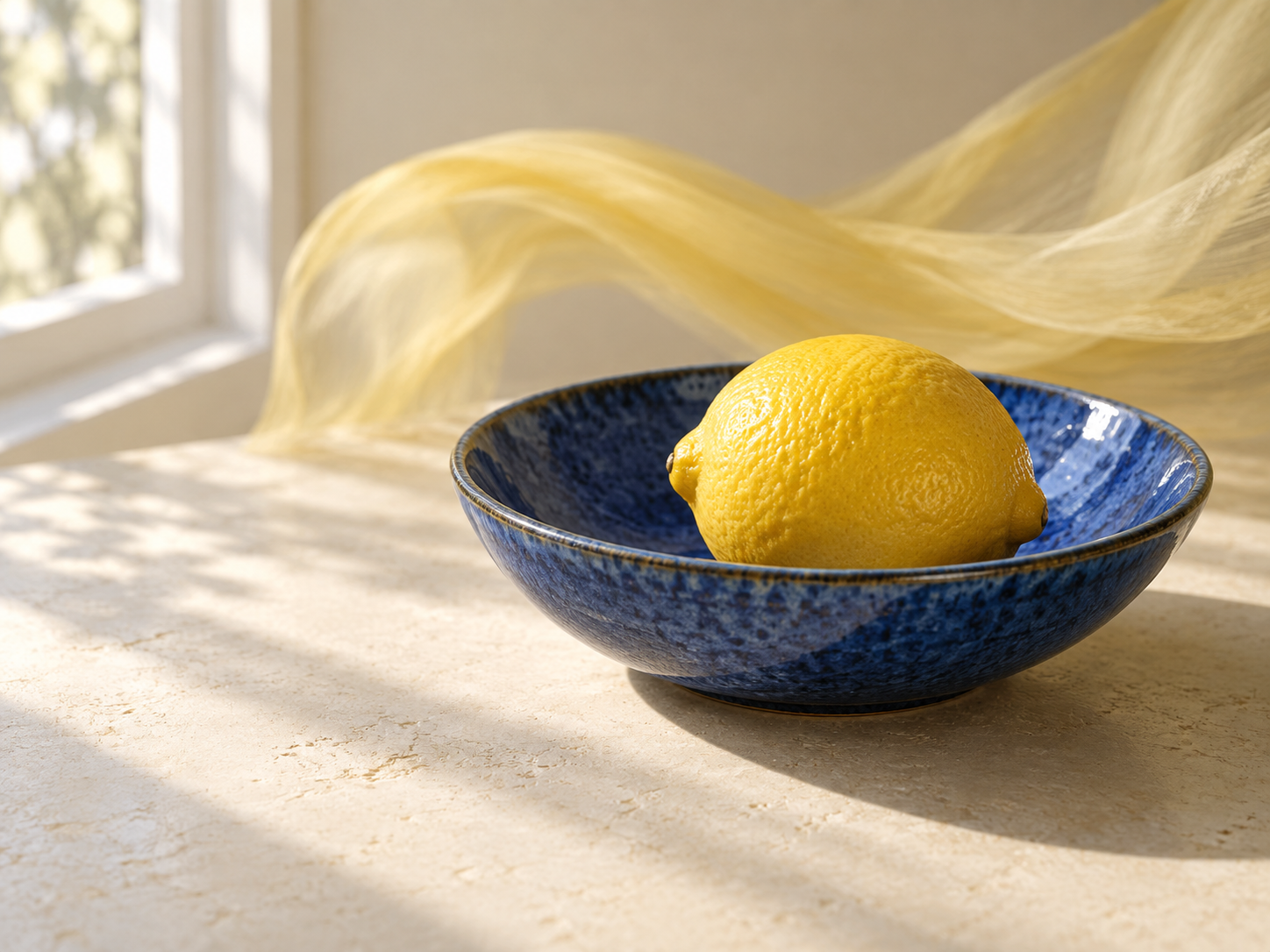
Original AI-generated Luxe image generated from the exact prompt shown.
Beginner · Image · 4:3. Give the eye a sharp place to land while the surrounding scene carries the energy. This is a useful exercise for an editorial cover or a product mood board without a branded product.
Copy the still-life prompt
Create a 4:3 editorial still-life photograph of one bright yellow lemon resting in a shallow cobalt-blue ceramic bowl on a warm ivory tabletop. Keep the lemon, bowl rim and their contact shadow crisp and believable. A narrow ribbon of translucent fabric sweeps in a loose curve behind the bowl, with gentle motion blur confined to the fabric. Light the scene from a large window on the left, producing soft shadows and subtle ceramic texture. Place the bowl slightly right of center and leave breathing room on the left. Use a restrained yellow, blue and ivory palette. No words, logos, extra fruit or floating objects. The result should feel tactile, calm and energetic at the same time.
Check the focal point
Check: can you see a clean edge and a convincing contact shadow around the lemon? If everything is blurred, remove the fabric motion instruction first. For a second version, change only the light from soft window light to a small directional light and compare the mood.
2. The paper astronaut’s small discovery
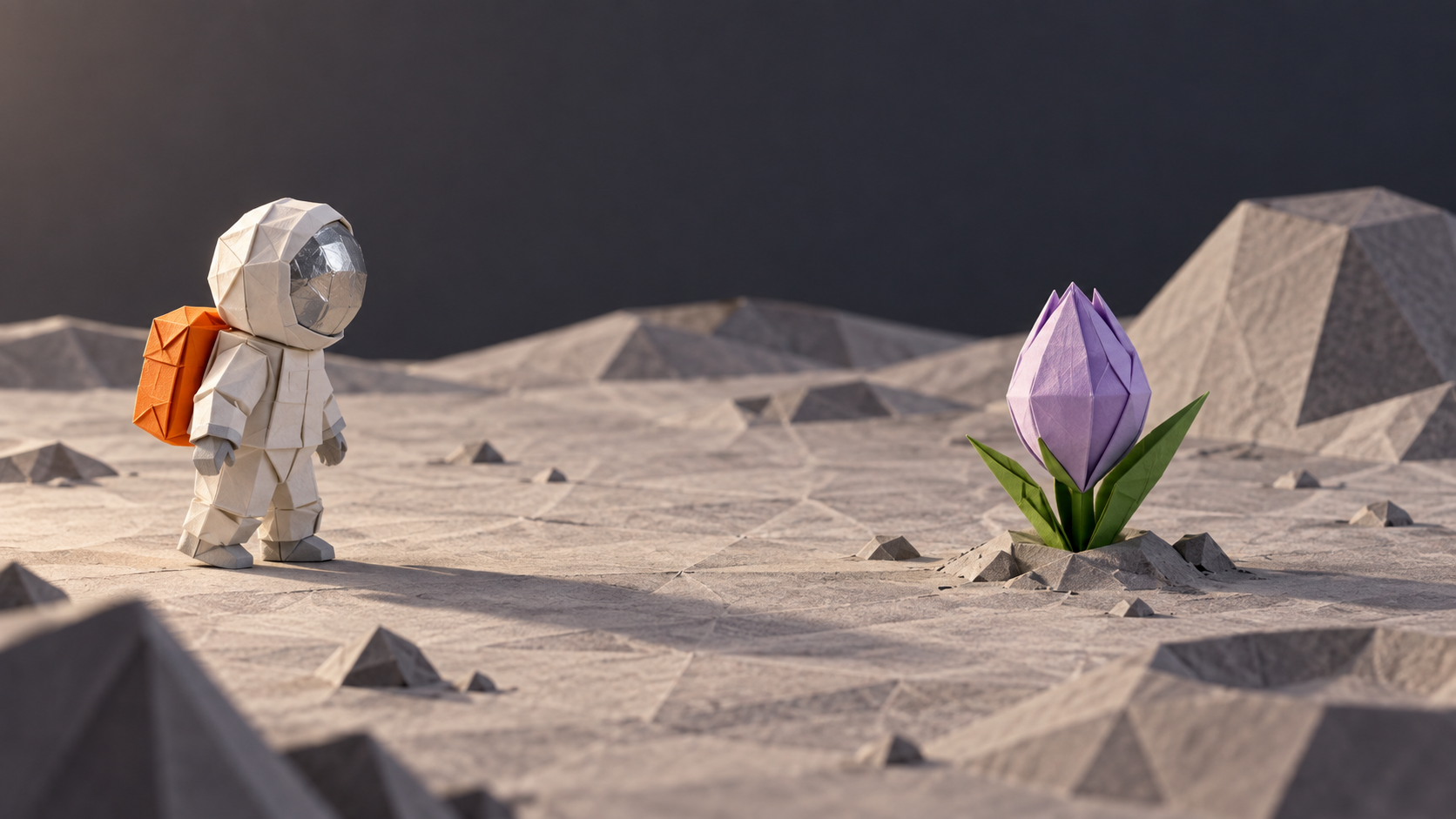
Original AI-generated Luxe image generated from the exact still-frame prompt shown. The bonus video prompt is a separate, untested exercise.
Intermediate · Image, then video · 16:9 requested. Start with the opening-frame prompt below, then try the optional video brief using your generated still as a reference if your tool supports it. The still image is shown here; the animation remains an exercise to try.
Copy the opening-frame prompt
Create a 16:9 stop-motion-style still frame of a tabletop lunar garden built entirely from folded paper. One small folded-paper astronaut with a silver helmet and an orange backpack stands to the left of a closed lavender paper flower. Use visible paper folds, soft side lighting and gentle shadows. Leave room between the astronaut and the flower for the character to approach. Keep the background quiet and the scene curious and calm. No text, logos, extra characters or stars. This image is an opening frame, not an animation.
Bonus: animate the scene
Make a 10-second, 16:9 stop-motion-style scene on a tabletop lunar garden built entirely from folded paper. One small paper astronaut wears a silver helmet and an orange backpack; preserve these details and the visible paper folds throughout. Use one continuous slow camera move from left to right. In the opening three seconds, the astronaut approaches a closed lavender paper flower. Over the next four seconds, the flower unfolds and reveals a single golden paper star at its center. In the final three seconds, the astronaut leans forward to study the star and holds still. Use soft side lighting, gentle shadows and a curious, quiet mood. No text, logos, scene cuts, extra characters or sudden transformations.
Check the story, then the camera
Check: do approach, reveal and pause happen in that order? If the motion is confused, fix the camera and keep the same action. If the character changes, simplify the action before adding more identity instructions. A readable five-second result is more useful than an unfinished ten-second idea.
From Luxe · Unpaid house promotion
Keep a useful prompt close. Explore the Luxe Prompting archive for more image and video workshops, then bring one technique into your next experiment. This is our own publication, not a paid sponsorship.
3. Two characters, one quiet story
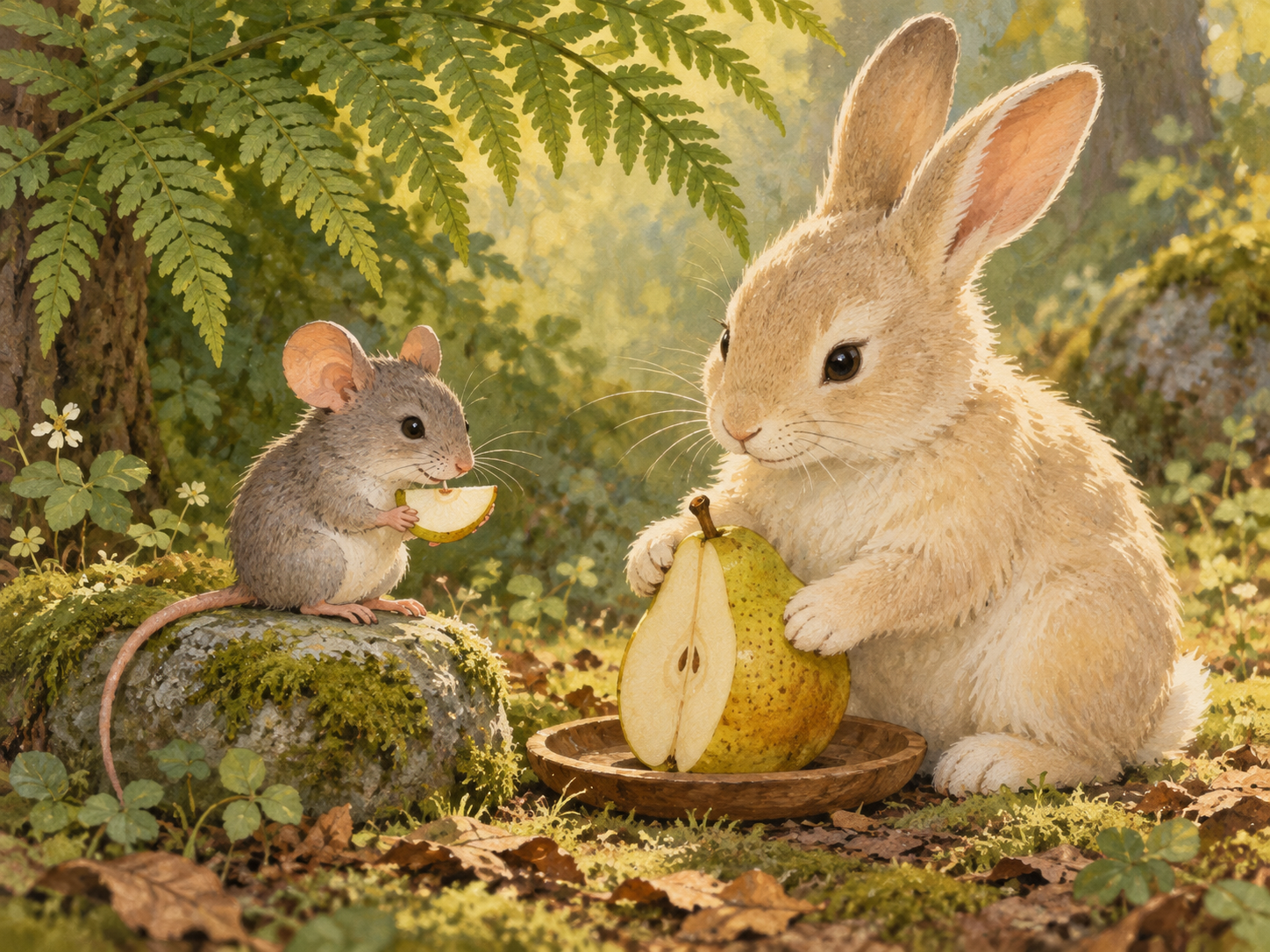
Original AI-generated Luxe image generated from the exact prompt shown.
Beginner · Image · 4:3. Give each character its own silhouette, place and action. A shared object helps connect them without requiring a busy setting. This exercise works well as a warm storybook scene or an illustrated newsletter header.
Copy the character prompt
Create a warm 4:3 storybook illustration in textured gouache of a small gray mouse and a larger cream-colored rabbit sharing a pear beneath a broad fern. The mouse sits on the left on a low stone and holds one small pear slice in its front paws. The rabbit sits on the right and steadies the remaining pear on a wooden plate. Keep their bodies separate, with clear silhouettes and natural limb placement. Both look toward the food with relaxed, friendly expressions. Use soft morning light, moss green, warm cream and muted ochre. Show just enough woodland ground to establish the setting. Keep the background quiet and the two faces readable. No clothing, lettering, extra animals or human hands.
Check who is doing what
Check: are there exactly two animals, with separate bodies and clearly assigned paws? If the forms merge, increase the gap between them. Try an advanced variation by changing only the viewpoint to a gentle overhead angle while preserving their left-right positions.
4. A poster that works before it has words
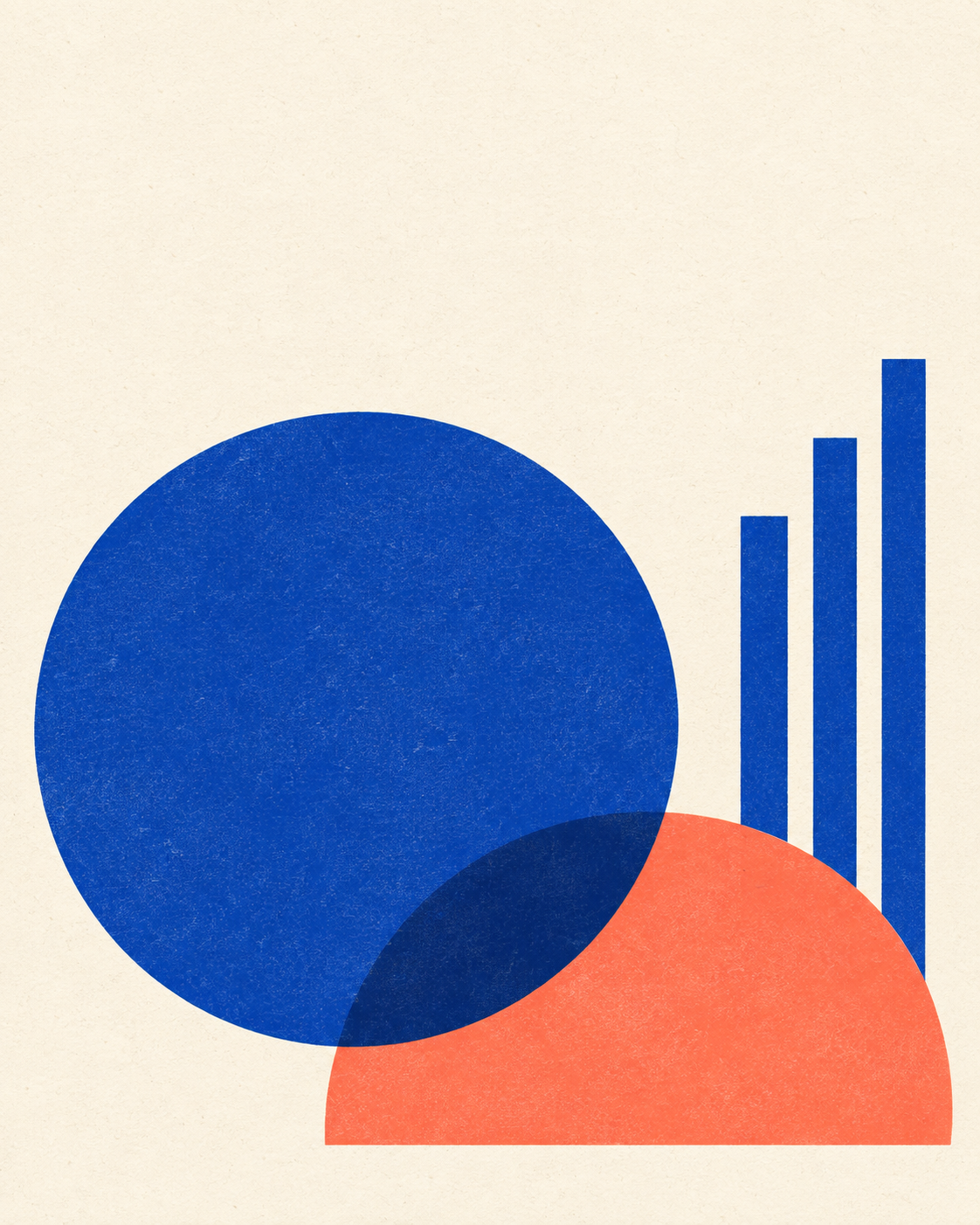
Original AI-generated Luxe image generated from the exact prompt shown.
Intermediate · Image · 4:5. Think of this as an editorial background you can finish in a layout tool. Plan the space for a headline before generating the art, then add real text yourself for precise spelling and typography.
Copy the graphic-design prompt
Design a 4:5 abstract editorial poster background using only ultramarine blue, warm coral and an unprinted cream ground. Build the composition from one large blue circle, one coral semicircle and three narrow blue bars. Place the shapes in the lower two-thirds of the frame with balanced asymmetry and clear separation. Leave the upper third mostly empty cream space for a headline that will be added later. Use flat color, clean geometric edges and a subtle screen-printed paper texture. Let one small overlap create a darker blue accent without introducing another hue. Keep the shapes legible at thumbnail size. Do not include any letters, numbers, logos, borders, gradients or simulated text.
Check it small
Check: shrink the image to a phone-sized thumbnail. Can you still distinguish the main shapes and the intended headline space? If texture overwhelms the design, remove it. For your second version, change only the circle’s position and compare the balance.
Community notebook: Pirate Chef
Emmanuel Rey G. Santoyu’s Pirate Chef brief separates character, environment, sound and timed shots. The lesson worth studying is how an object and a small action can make a gag readable. Open the original post for the creator’s complete prompt and result.
Community notebook: EZ BLUE
Santoyu’s EZ BLUE post gives fixed character details before action and camera direction. Its post describes a 30-second extension, while the captured base prompt requests 15 seconds. Read those as separate workflow claims, not a verified output duration. The original includes the full reference-dependent brief.
Creator news: three useful September updates
OpenAI · September 8. ChatGPT Images 2.5 introduces Sketch for drawn references, templates, image comments and sharing an image’s prompt. Our takeaway: save the brief alongside the picture so the creative decisions travel with the result.
Adobe expands reference and framing options
Adobe · September 18. Firefly adds Kling 3.0 Omni reference images in Video Generation and Boards, ten GPT Image 2 aspect ratios, and longer web prompts. Longer prompts in Boards remain pending. Choose the reference and framing first; more prompt space need not mean a longer brief.
Runway adds an API frame-rate step
Runway · September 17. Enhance Frame Rate accepts videos up to five minutes and target rates including 24, 30, 60 and 120 fps through the video upscale API. Treat this as a delivery option after generation. We have not independently tested its motion quality.
Your next post can teach someone something
Make one thing
Choose a prompt and generate one result. Judge its main quality check before changing the brief.
Make one change
Keep the first attempt, revise one instruction and compare both. Include the model and settings that affected the result.
Share the useful part
Post your own result with the exact prompt and a short note about what improved. For video experiments, our Seedance community is a place to compare creative approaches.
Source Desk
This issue pairs four original AI-generated Luxe images with their exact prompts. The bonus video brief is an untested exercise. Product updates link to official September 2026 announcements, checked September 27. Community discoveries link to Emmanuel Rey G. Santoyu’s original posts.
Pirate Chef: original post by Emmanuel Rey G. Santoyu
EZ BLUE: original post by Emmanuel Rey G. Santoyu
OpenAI: Introducing ChatGPT Images 2.5 (September 8, 2026)
A clearer brief. A more useful result.